How to Use AmpliFI

Get up and running with AmpliFI.

These videos walk through the platform step by step — from setting up your products to submitting contracts — so your team can move fast and work confidently from day one.

Getting Started with AmpliFI

Submitting Product Contracts in AmpliFI

How to Set Default Products & Mark ups

Editing Products in AmpliFI Deals

Creating Menus in AmpliFI

Creating Deals in AmpliFI

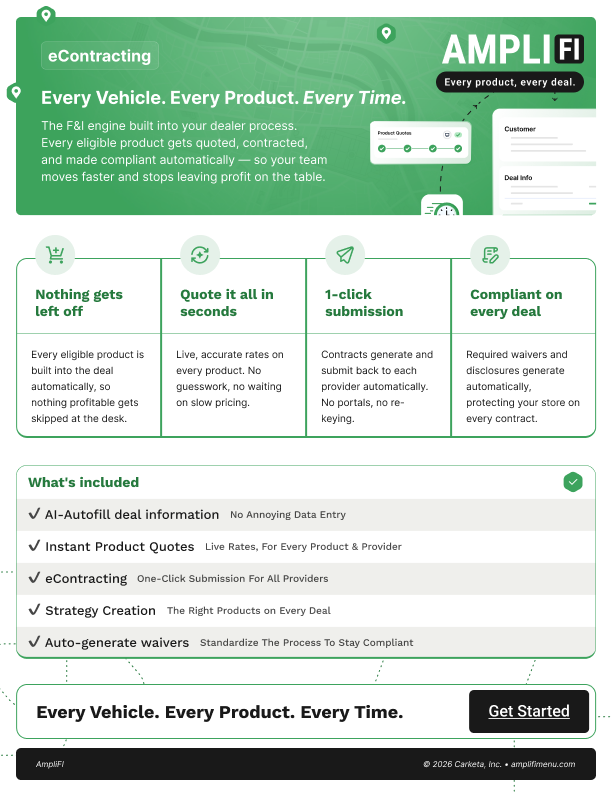
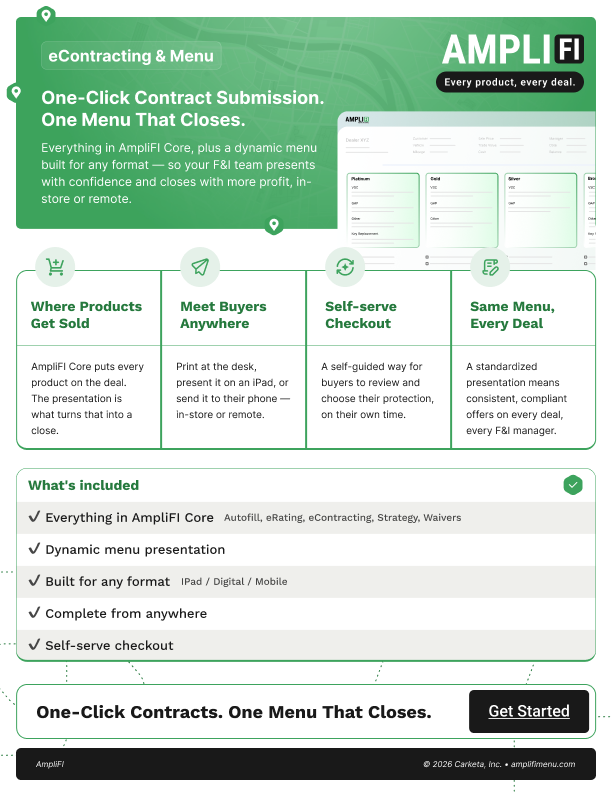
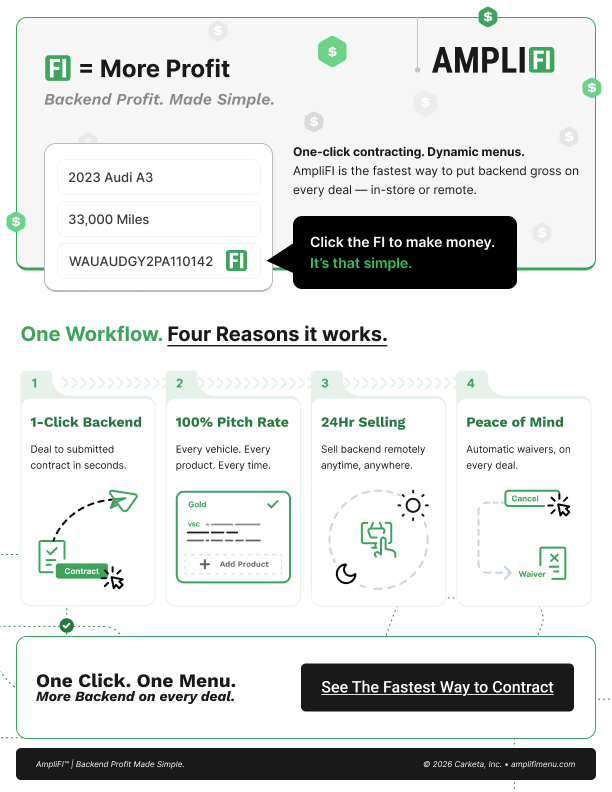
1 pagers to Understand AmpliFI

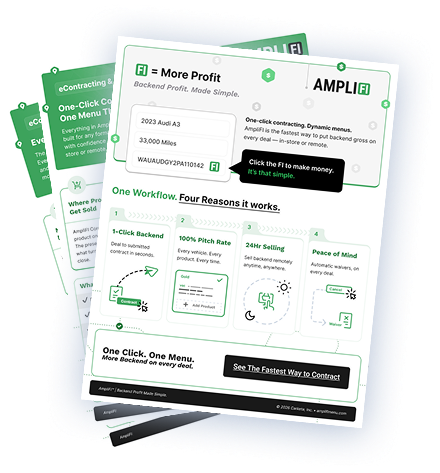
Short on time to watch the videos? These one-pagers break down what’s included in each AmpliFI tier, pricing, and how to explain the value — so you’re ready the next time a dealer asks.

AmpliFI Core eContracting

AmpliFI Core + Menu

AmpliFI Dealer FAQ

Everything you need to know about getting started and getting the most from AmpliFI.
?

About AmpliFI

What is AmpliFI?

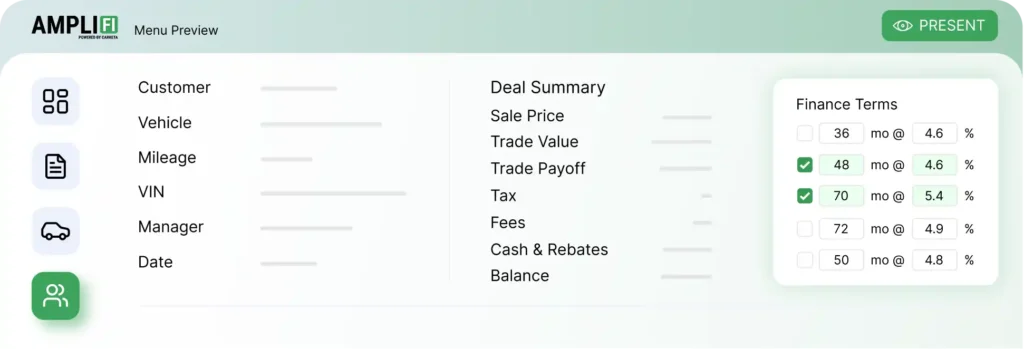
AmpliFI is a Chrome extension for your F&I desk. It reads deal data directly from your DMS and automatically builds a clean, complete F&I menu for every deal — no manual entry, no switching between portals. Every product gets pitched on every deal, every time.

What problem does AmpliFI solve?

Most F&I managers lose money on deals because they are juggling multiple portals, manually entering data, or simply skipping products when a deal gets busy. AmpliFI eliminates that friction. The menu appears automatically, so your team presents every product on every deal — which means more contracts, better compliance, and more gross per deal.

How is AmpliFI different from other F&I menu tools?

AmpliFI pulls data directly from your DMS without requiring a formal integration. It installs as a simple Chrome extension — no IT project, no lengthy setup. Your F&I manager can be presenting a full menu within hours of going live, not weeks.
?

Setup & Compatibility

Does AmpliFI work with my DMS?

Yes. AmpliFI is DMS agnostic — it reads deal data directly and does not require a formal DMS integration or IT-side configuration. If your setup is unusual in any way, your agent will flag it and the team will test compatibility before your account goes live.

Do I need to uninstall my existing F&I tools?

No. AmpliFI installs as a Chrome extension and runs alongside your existing tools. You do not need to remove anything or change your current workflow to get started.

How long does setup take?

Most dealers are live within 2-3 business days of being submitted by their agent. Here is how it works:
  1. Your agent submits your dealership info and TPA details through VelociFI.
  2. Carketa reviews the submission and confirms your setup.
  3. Your account is configured with your providers and products.
  4. Your agent is notified when you are live and schedules your kickoff.

Is there any hardware or software required besides Chrome?

No. AmpliFI is a Chrome extension. As long as your F&I manager uses Chrome and has access to your DMS in that browser, AmpliFI is ready to work.
?

Using AmpliFI at Your Dealership

Who at my dealership can use AmpliFI?

AmpliFI is built for your F&I managers — anyone presenting the menu on deals. Multiple users can be set up on the same account. If you have more than one F&I manager, your account manager can help you get everyone added.

Can my managers see their own performance data?

Yes. AmpliFI provides reporting on contract volume, product penetration rates, and menu presentation activity. Managers can use this to understand where they are winning and where to improve.

What do my F&I managers need to do differently?

Very little. AmpliFI is designed to fit into their existing process. When they open a deal in Chrome, the menu appears automatically. The biggest change is that they no longer need to manually pull data or switch between portals — AmpliFI handles that for them.
?

Products & TPAs

What products appear in the menu?

The menu is built around the TPA products your agent has established at your dealership through AmpliFI. Log in to the platform to see the full product list loaded for your account. If a product is missing or you want to add something, talk to your agent.

How do I know which TPAs are supported?

Your agent can confirm which TPAs are currently supported on the platform. The list is actively maintained and grows over time. If a provider you use is not yet supported, flag it to your agent — they can escalate it to the Carketa team.
?

Eligibility

Is my dealership eligible for AmpliFI?

To be eligible, your dealership needs to meet four criteria:
  • Independent dealer — AmpliFI is not yet available for franchise locations
  • No reinsurance structure in place
  • 20 or more units on your lot
  • Your agent has at least one AmpliFI-approved TPA established at your store
If any of those do not apply, your agent can let you know where you stand and what a path to eligibility looks like.

We have a reinsurance structure. Can we still use AmpliFI?

Not at this time. The current version of AmpliFI does not support reinsurance structures. This is something the Carketa team is working toward. Your agent can keep you updated as the product evolves.

We are a franchise dealer. Can we use AmpliFI?

Not yet. AmpliFI is currently built for independent dealers. Franchise support is on the product roadmap. Ask your agent for updates as this develops.
?

Training & Ongoing Support

How does training work?

Your agent schedules a kickoff session once your account is live. This covers how to use the menu, how to read your reporting, and how to get the most out of the tool. Your F&I managers should plan to attend — the training is short and hands-on.

What if someone on my team needs a refresher?

Reach out to your agent. They can arrange additional training or connect you with your dedicated account manager for a walkthrough. AmpliFI is designed to be straightforward, but your team should never feel like they are on their own.

Who do I contact if something is not working?

Your agent is your first call for anything — technical issues, product questions, or account changes. They work with a dedicated account manager on the Carketa side who can escalate to the technical team if needed. You can also reach the AmpliFI team directly at amplifimenu.com.

What if a product is not showing up correctly in the menu?

Contact your agent right away. Product display issues are usually tied to TPA configuration or a setup detail that can be corrected quickly. The faster you report it, the less impact it has on your deals.

How do I get updates on new features?

Your agent will keep you informed as new features and supported TPAs are added.
AmpliFI for Dealers

Get Started with AmpliFI